Desktop GUI
claudectl --gui.
Everything the terminal UI does, as a native desktop app — full feature parity, served
locally (loopback-only, works offline). No Python dependencies; the browser bundle vendors
three.js and anime.js (both MIT, served from /vendor/, never a CDN).
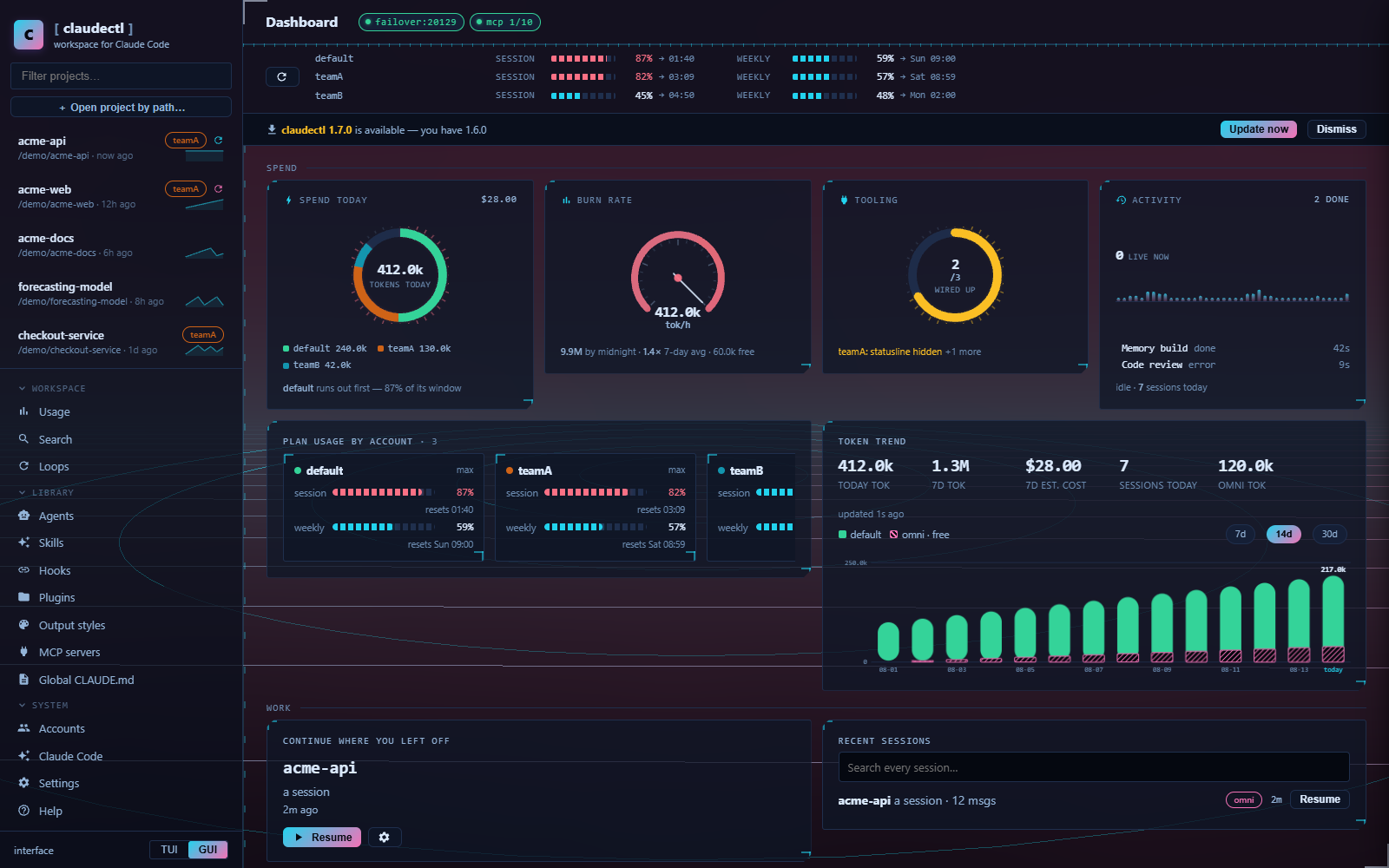
- Shells — PyQt6 native window if installed, else an Edge app-mode window, else the browser (
gui_shellsetting: auto / qt / edge / browser). The bottom-left toggle (orui_mode) picks which interface starts by default;--tui/--guialways override. - Projects & sessions — sidebar with live filter and quick-resume; per-session resume / fork / rename / tag / archive / restore / delete / export markdown / transcript with session info / changed files.
- Launch modal — effort, model, permission mode, account, thinking cap, subagent model, session name, worktree — as one-click chips, prefilled from your defaults. Sessions open in a real new console window.
- Project tabs — three tabs with one job each, so nothing is explained twice:
- Memory — what claudectl knows, and what it costs. An inventory of every memory artifact the project has, each with what writes it, whether it reaches a session always / lazily / per prompt / never, its size, and its action — plus the sentence the UI never used to say: ~N tok read on every turn, ~M tok across the rule files that cost nothing until Claude opens a matching path. Then the live state: what the last cycle extracted and what it spent, total spend to date, what is queued, what eviction dropped, which entities recall reinforces most, lessons with how many sessions each is from being dropped, and workspace health as per-check rows with the button that fixes each one. Build / ask / recall preview / lessons review, with live scan progress and the outcome of the last run.
- CLAUDE.md — the file, block by block. Your prose, KEEP-fenced regions, AUTOGEN, SESSIONS and the MEMORY digest, each with its token cost and the one button that regenerates just that block; the memory files map with broken
@imports flagged; and every version claudectl replaced, with diff and restore. - Audit — what one turn costs across every surface at once, project-scoped and account-scoped together (global CLAUDE.md per account, system-prompt file, SessionStart hooks, MCP schemas), plus deny rules for token-heavy paths.
- Also: Usage, Plan → Execute (plan model + effort, execute via Anthropic or free OmniRoute, full explanation inline), Tools (inject context from any session/account, project agents picker mirroring the TUI's category multi-select with suggestions, extra PATH entries,
--add-dirdirectories), and the architecture Graph.
- Managers — MCP servers, agent library + AI-generate, hooks + AI-generate, accounts — same operations as the TUI, with the same diff-approval gate for AI-written files (jobs run server-side, you approve a git-style diff before anything is written).
- Usage banner — one live bar-row per account (session/weekly/model windows with reset times), auto-refreshes every minute, refresh button for an immediate re-fetch.
- Stacked toasts — multiple simultaneous notifications (errors, success, info) stack instead of overwriting; each auto-dismisses after 3.5 seconds. Job failures show the error message rather than a generic "Failed".
- Job cancel — running background jobs (plan generation, memory build, review) show a Cancel button; the
cancelledflag is cooperative (checked at loop top, no thread kill). - Persistent preferences — theme and account selection saved to
localStorage, restored across page reloads. - Editable Plan → Execute — the generated plan appears in a monospace textarea for inline editing before approval; "Re-plan" sends feedback to regenerate; "Per-step approval" gates execution step by step. Every generated plan is auto-saved.
- Skills — the four scopes Claude Code actually loads (personal, project, plugin, built-in), each row showing the command you type and how often Claude Code has used it, with a filter over the lot. See Agents & skills.
- Loops — start a
/loopin its own session, watch it fire, end it, and edit theloop.mdbehind a bare/loop. See Loops. - Global CLAUDE.md — its own page: the instructions read in every session on an
account, its
loop.mdsibling and the cross-project conventions worth promoting into it. - Output styles — by scope, with the active one and the file that pins it named, plus four claudectl starters to copy (Terse, Reviewer, Pair, Ship).
- Skills / Worklog / Review / model-routing panels — Skills manager, worklog toggle + entry history, one-click code review (working diff or staged-only), and OmniRoute free-tier configuration.
Icons are inline Material SVG — no CDN, no emoji.
Themes: 29 palettes, 7 skins, 4 themed worlds
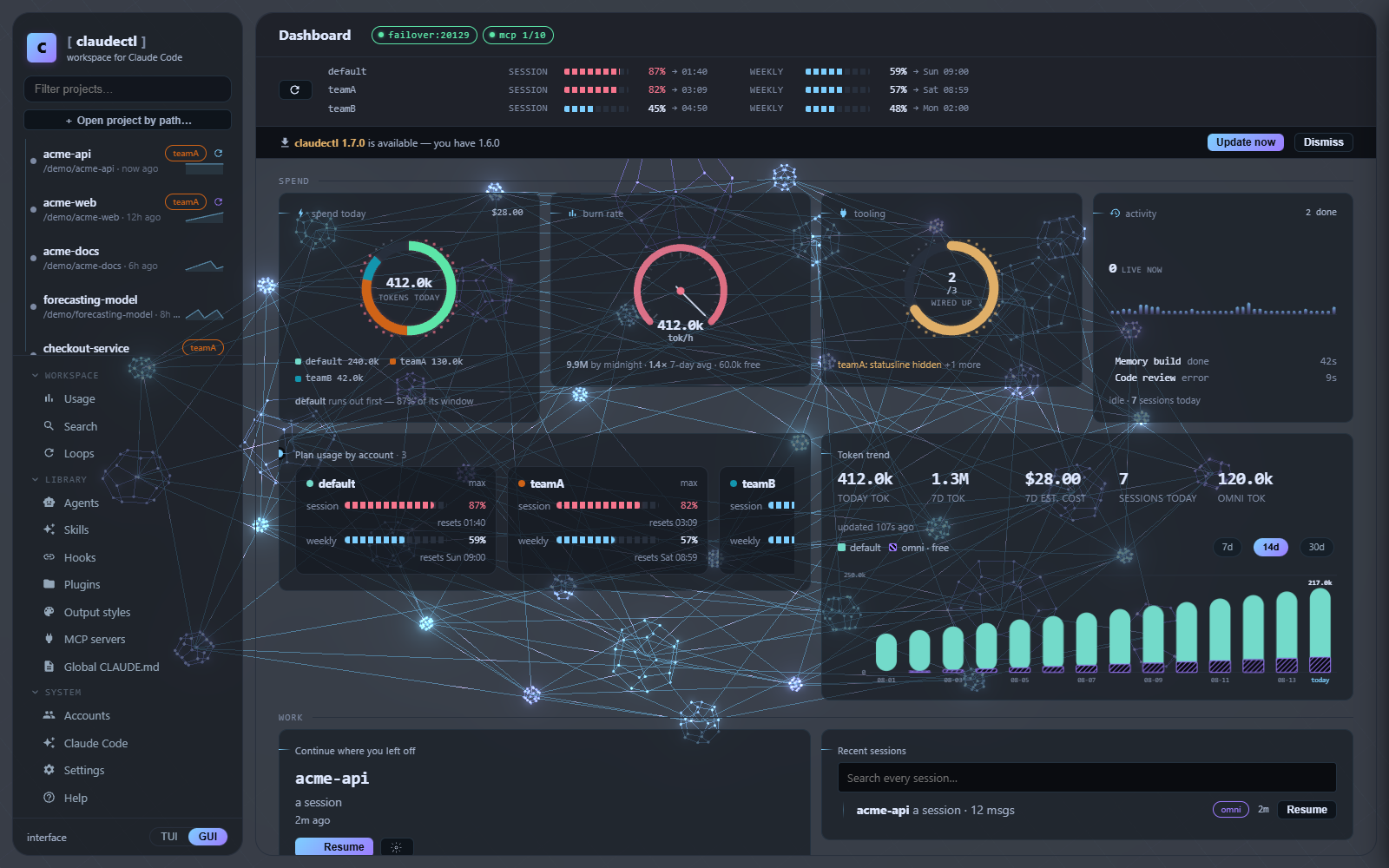
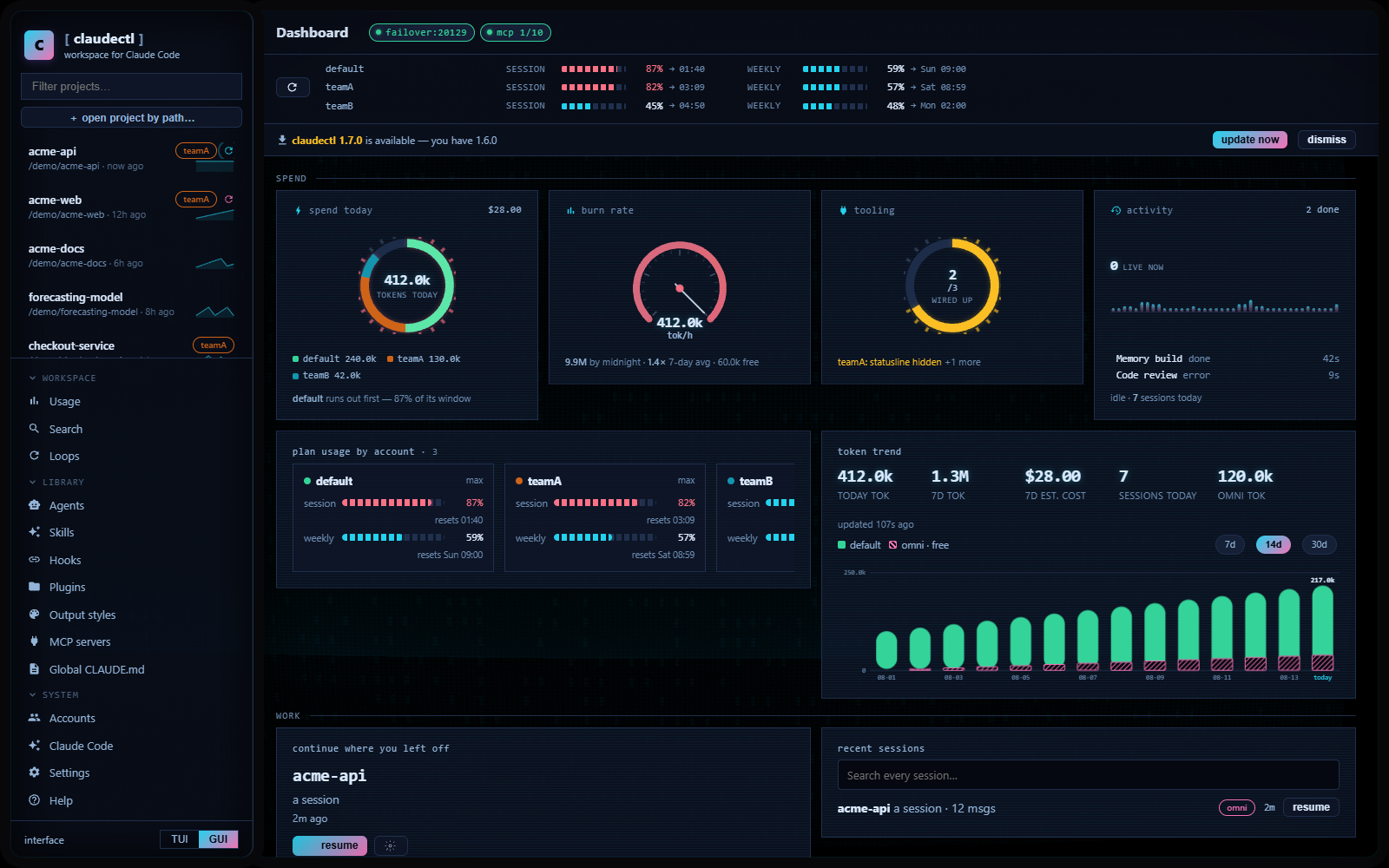
A palette answers "what colours" — 29 of them, authored as real hex (Catppuccin, Tokyo Night, Gruvbox, Rosé Pine, Nord, Solarized and more), applied verbatim to every surface rather than derived from an accent hue. A skin answers "what is this app": corner treatment, border weight, type scale, row density, chassis frame, card entrance and which background scene runs. The two are orthogonal — pick both, or let the palette choose its default skin. Live preview before saving.
A world commits to a whole look instead: it owns its palette, skin, background scene,
icon set, overlay and cursor together, and disables the palette/skin pickers while worn.
Four ship — anime, cyber, deck and graph, the last an homage to claudectl's own
architecture graph.
The background is a single full-viewport scene driven by real state (running jobs,
navigation, today's burn), capped and calmed by design, and it stops five ways — hidden tab,
blurred window, motion:off, stage:off, or prefers-reduced-motion. Set stage: lite
(or off) if your hardware struggles.
Setup
The Edge and browser shells need nothing extra. For the native window, see GUI setup.
The GUI is a local HTTP server on loopback with a per-run secret; the routes it exposes are documented in the API reference.